**UPDATES: [2019-05-30]**
1) Due to browser updates, the use of a smartphone as a controller for Nanai's movements will cease to be supported.
2) If you do not have a VR controller (i.e., the ones that now come with the HTC Vive and Oculus Rift), you will not be able to sync the movement of the virtual character.
**FULLY LOCALIZED, UNCENSORED**
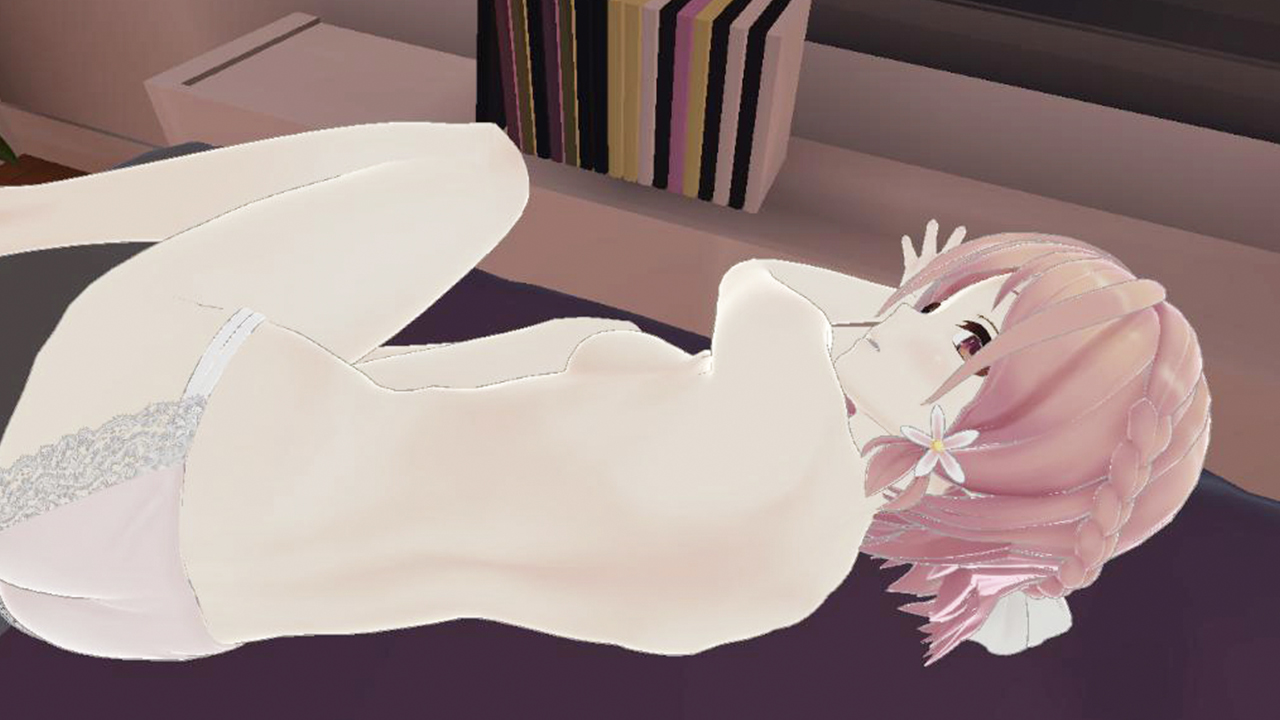
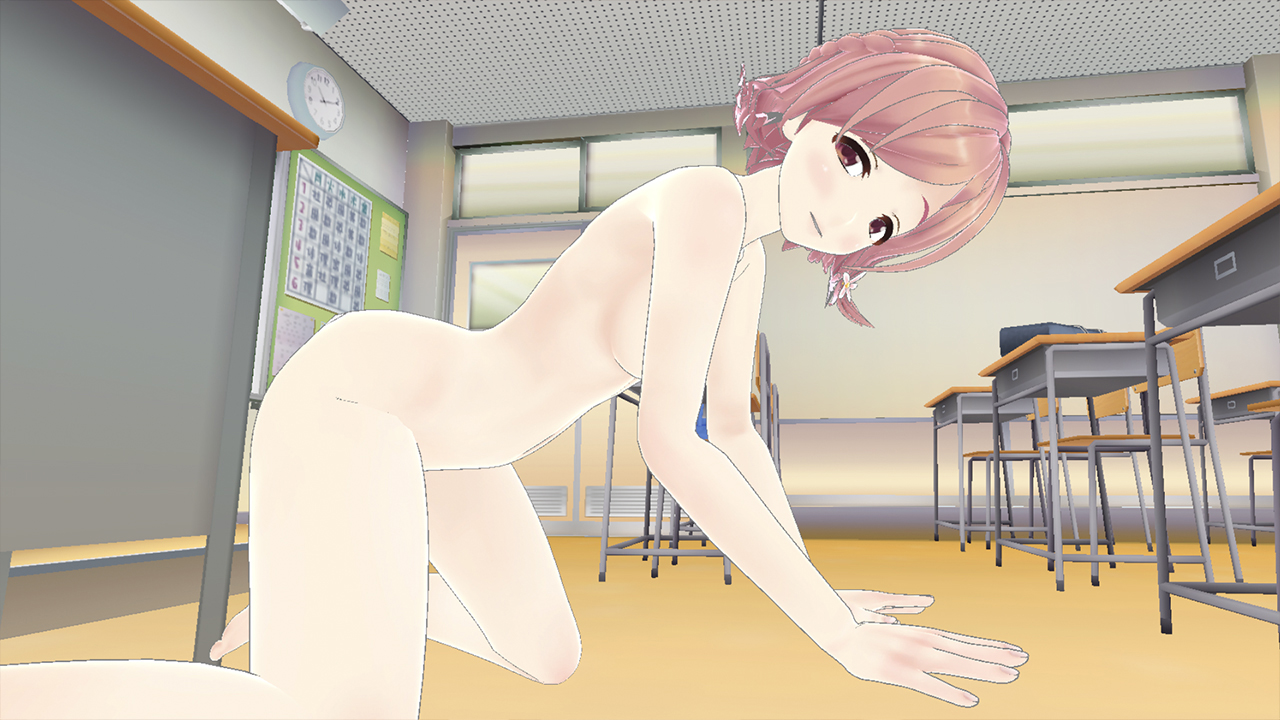
Let's Play With Nanai! is an adult VR game designed for Oculus Rift/HTC Vive.
In this game, you and Nanai can have sex on the bed in your room, and in few other environment of your choice.
You can change her outfit and her panties, or completely strip her!
Her shy and sweet voice whispers to you - you are her sweetheart!
Just strap a smartphone or Vive/Oculus controller on a body substitute of your choice (such as pillow, love-doll, etc), and Nanai will automatically respond.
YOUR GOAL OF THIS GAME IS MAKING HER CUM!
This type of game has never been made before, so you should absolutely try it.
Oculus Quest users can play too!
Using ALVR (free) installed on your PC, you can play completely wireless in the comfort of your own bed or couch! What it does is let you play PC-based VR games on your Oculus Quest headset! It basically streams the video and other data in real time! It takes about 5 minutes to set up and has practically zero lag on a 5 GHz network!
For installation, you will need to follow the instructions on the ALVR github page. If you do not have SteamVR, you can install it by opening Steam, Clicking “LIBRARY” and then clicking “Tools” (second from the bottom of the drop-down list). From there, find “SteamVR” and install it.
For best results, we recommend using a 5 GHz WiFi signal. This usually has the same name as your normal WiFi but with “-5G” at the end. Be sure to connect your Oculus Quest to this! From there, you can use the default settings for Video in ALVR: Codec=H.265 HEVC; Bitrate=30Mbps; Resolution=100%; Buffer size=200kB. You may need to uncheck “Steam Sound” on the Sound tab if you have error messages related to audio. If you use 2G/2.4 GHz, you may find the video quality to be unbearably poor, so we highly recommend you have 5G.
*Disclaimer*
A character appearing in this game is a 3D digitally generated character, and is intended to be over 18 years old.




 msfsТоваров на аккаунте: 54 · Обзоров: 8