Паветта
 Leont1k TTVТоваров на аккаунте: 1 243 · Обзоров: 112
Рекомендую2 ч. всего (3 ч. на момент отзыва)
Опубликовано: 5 марта 2021
Теперь я знаю какую программу буду включать когда сяду пить XD
5 пользователей посчитали отзыв полезнымЧитать в Steam ↗
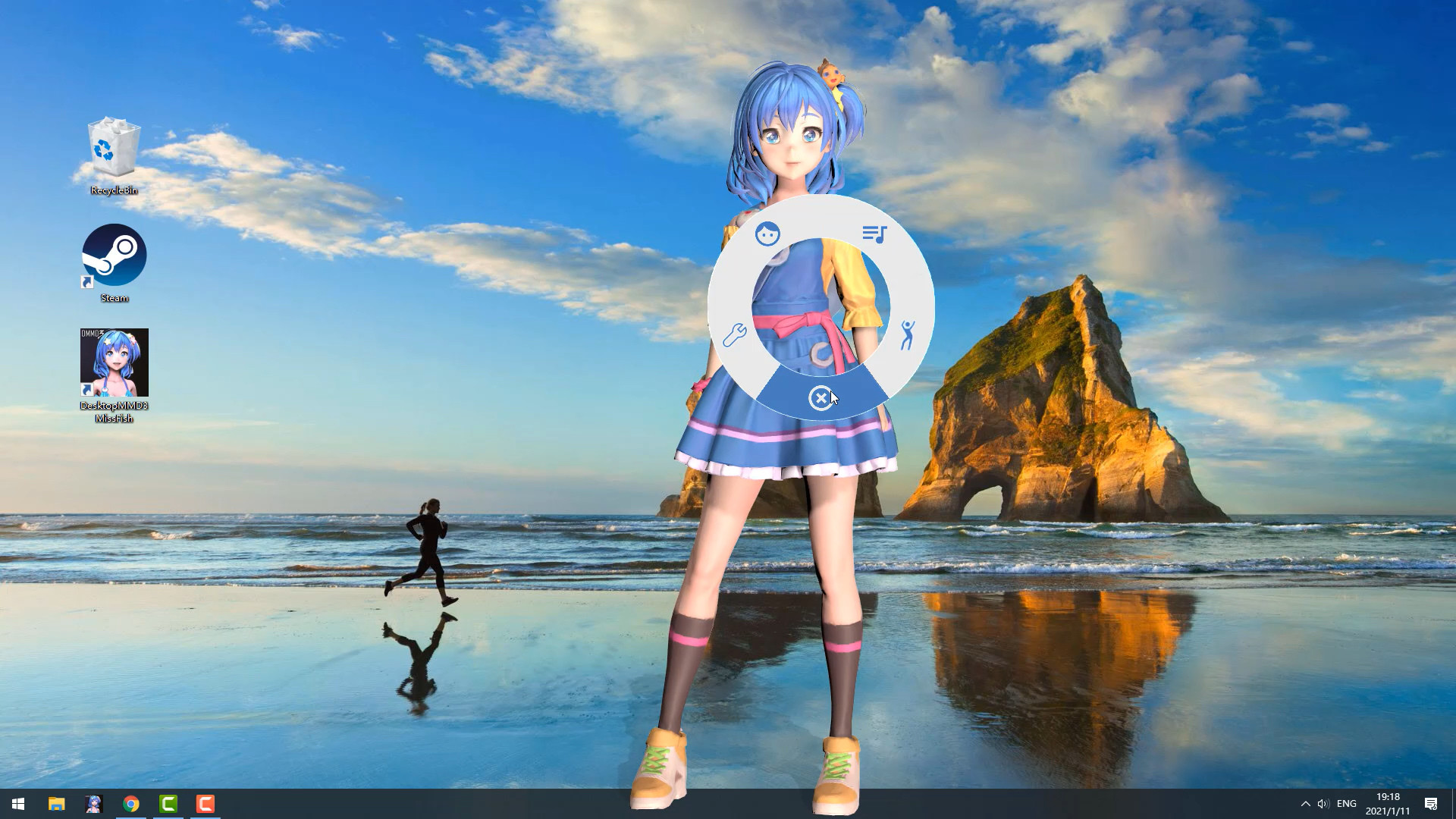
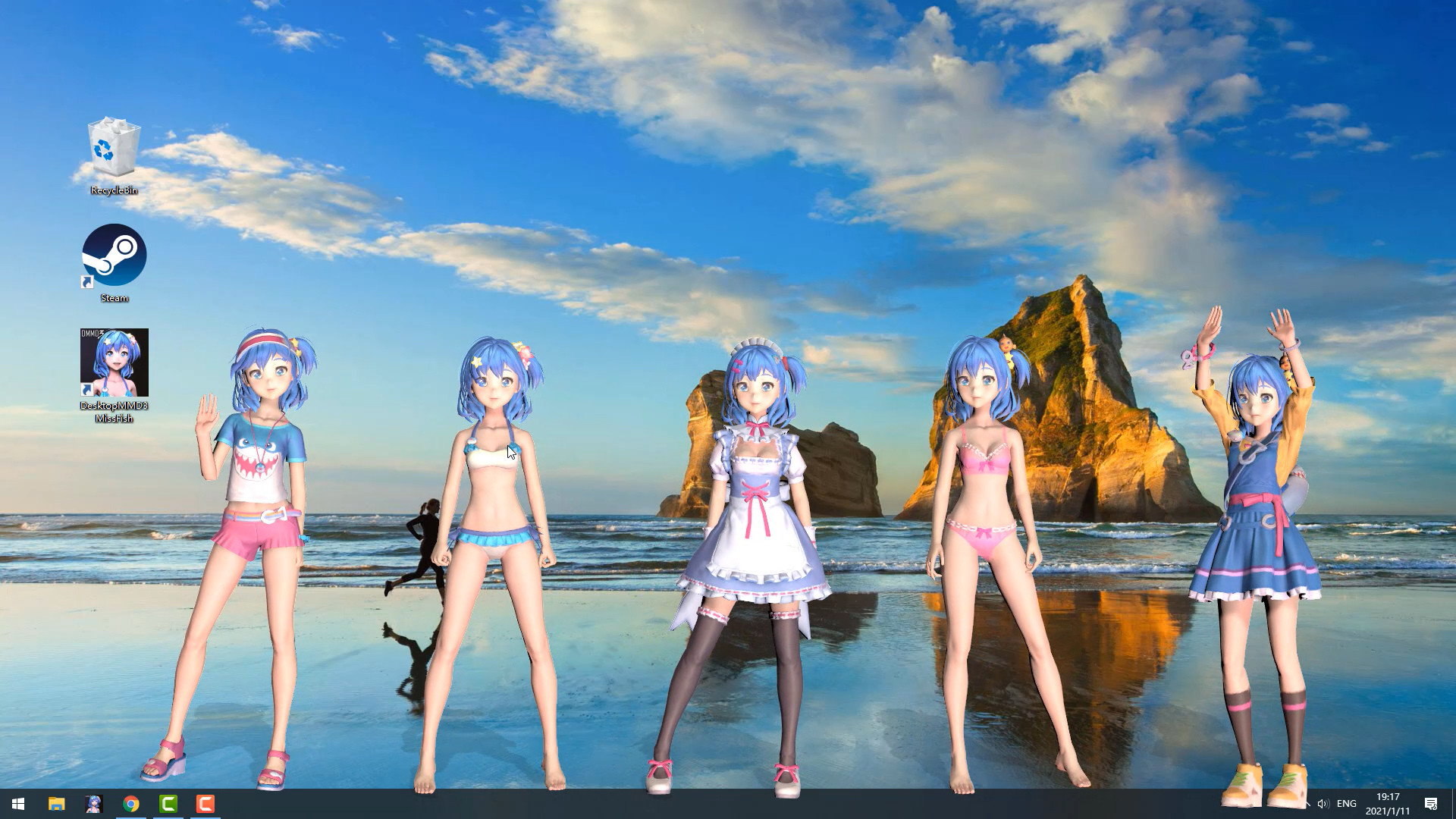
Living and dancing lovely girl “Miss Fish” on your desktop! She will always be with you, even while playing game or browsing the web.
Трейлер
Цена в России с 07.10.2026
Ближайшая распродажа: Зимняя распродажа Steam, 17 декабря — 4 января.
Проверено 17.11.2026. Сколько положить на Steam, чтобы купить, и во что обойдётся пополнение из России. Сколько стоит вся ваша библиотека по таким ценам — калькулятор аккаунта.
Buy “DesktopMMD3:Miss Fish” Now and Get "DesktopMMD4: Born to Dance"
The difference between DesktopMMD3 and DesktopMagicEngin
================================================================================
Q: Why is my background all black on some computers?
A: You can press the "Win" key to pop up the taskbar, and then proceed to the following operations:
1. Open the Nvidia panel and select [manage 3D settings] on the left
2. [multi frame sampling AA (MFAA)] and [smoothing fxaa] in the right side are changed to [off]
3. Close the application to solve the problem of game black screen.
Q: Why can not display model on desktop sometimes?
A: Some models has problem and make DesktopMMD3 crash ,just need close all models in "Manage Model">"Loaded" List and restart DesktopMMD3 from tray icon popupmenu.
Q: How to add model to desktop?
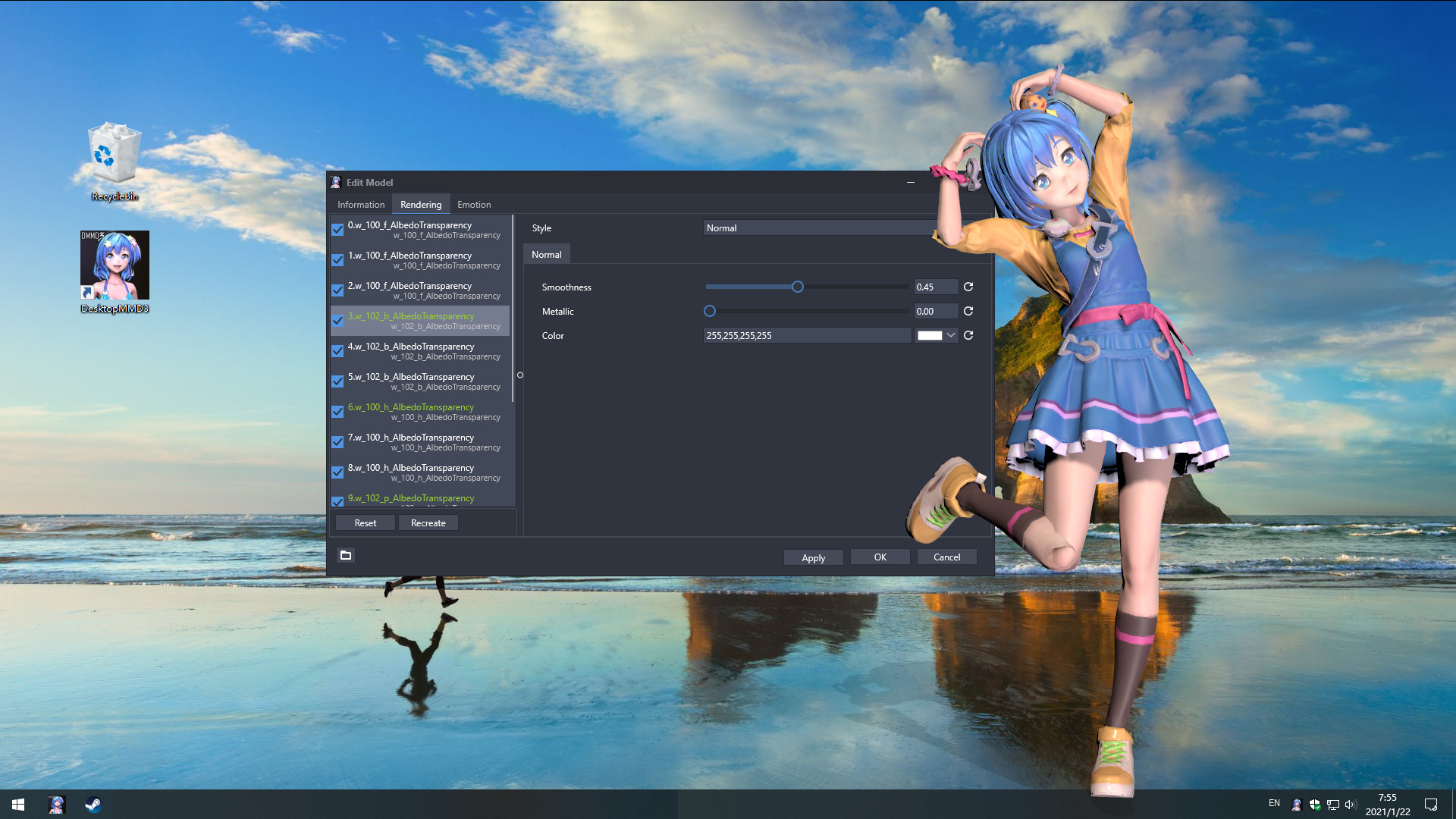
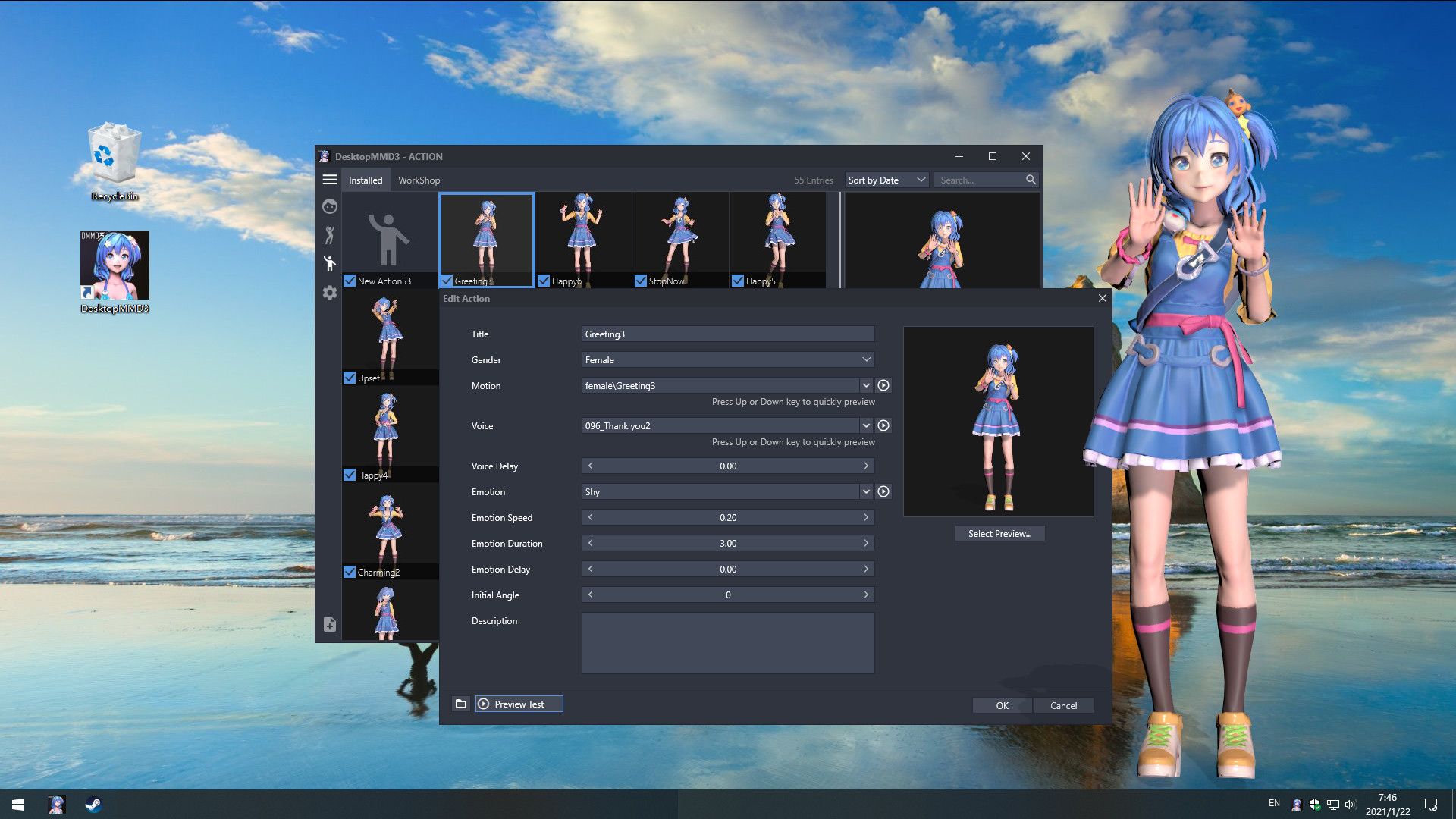
A: You can subscribe models from STEAM Workshop at "Manage Model">"Workshop" , and then load model at "Manage Model">"Installed" list.
Q: How to import MMD/VRM model into DesktopMMD3?
A: Drag and drop MMD model file .pmx or .vrm file into DesktopMMD3 "Manage Model">"Installed" List Box, the model will auto display on your desktop.
Q: How to Hiding "Now Playing DesktopMMD3" from Steam status?
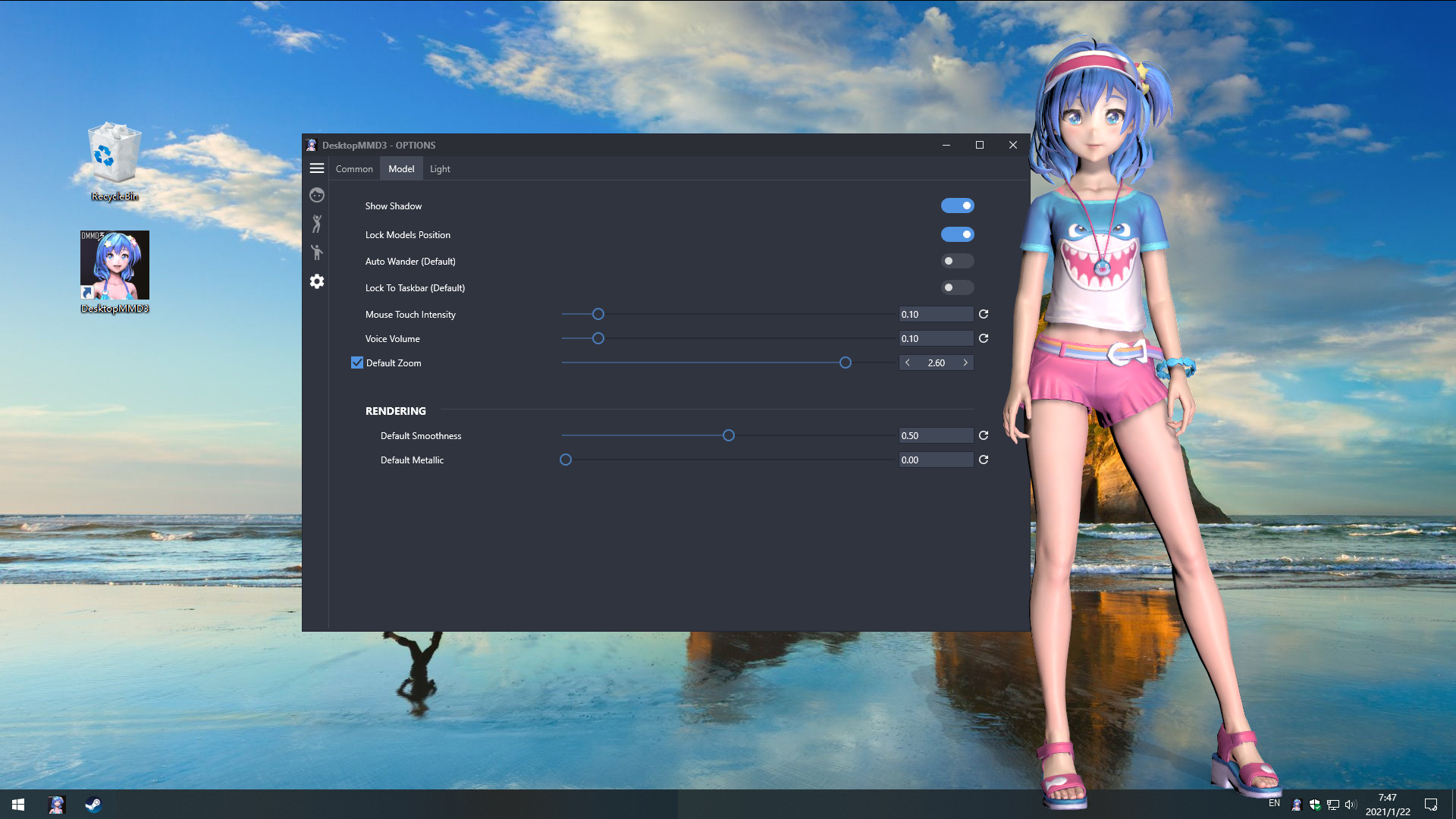
A: Right click tray icon and select menu item "Preferences" and uncheck the "Enable Steam Support", and restart app from tray icon menu.
Q: How to set higher Anti-aliasing ? How to set the model to HD texture? How to modify the drawing quality of the model?
A: "Settings">"Graphic Quality" option set to "High" .or You can switch to HD mode: right-click the model and select the menu item "Edit" in the "Manage Model"> "Installed" list, and select "Graphic Quality" as "Hight" in the edit window. Then reload the model.
Steam App ID 1480480
Всего 2 трейлера и 11 скриншотов — смотреть все.
Минимальные
Рекомендуемые
 Обновление · 31.05.2022[Version update] Optimize the loading speed of model and dance list UIWhen there are too many models or dances in the Installed list, in the previous version, the speed of switching models or dancing UI was too slow or even stuck for about…
 Событие · 06.05.2022[FREE UPDATE] DesktopMMD4 Released! It's time for dance again now!If you have purchased DesktopMagicEngine or DesktopMMD3 then it will be given to your library for free. IT'S TIME FOR DANCE AGAIN NOW! DesktopMMD4 is mainly born to…
 Мелкое обновление · 04.05.2022Fix the problem that the workshop occasionally load failsFix the problem that the workshop occasionally load fails
 Обновление · 24.01.2021Improve physical effect,Add rendering settings,Add disable shadow on body optionAdded rendering settings page: Settings>Rendering page adds color adjustment/saturation/contrast/exposure/bloom options. Added the option to disable the shadow on the…
На каких языках пишут
Leont1k TTVТоваров на аккаунте: 1 243 · Обзоров: 112Теперь я знаю какую программу буду включать когда сяду пить XD
 viktorkleskОбзора: 3
отличная музыкальная игрушка
 Товаров на аккаунте: 92 · Обзоров: 25
Запустил прогу, просмотрел что там есть. Хотел выгрузить свои VRM модельки, а в итоге прога чёт сломалась. Удалил Лично для меня это прога не стоит…
В российском Steam — 165 ₽, проверено 17.11.2026. Самая низкая цена за время наблюдений — 99 ₽.
Русского языка в списке Steam нет.
Минимальные: ос — Windows 10 / 8.1 / 8 / 7(with Aero); процессор — Intel i3 or equivalent; оперативная память — 2 GB ОЗУ; видеокарта — HD Graphics 4000 or above; место на диске — 500 MB.