 DSIYSОбзоров: 5
Рекомендую12 ч. всего (5 ч. на момент отзыва)
Опубликовано: 2 января 2026
I finally figured out how to add a character I created locally. Now I'm looking for a way to post it.
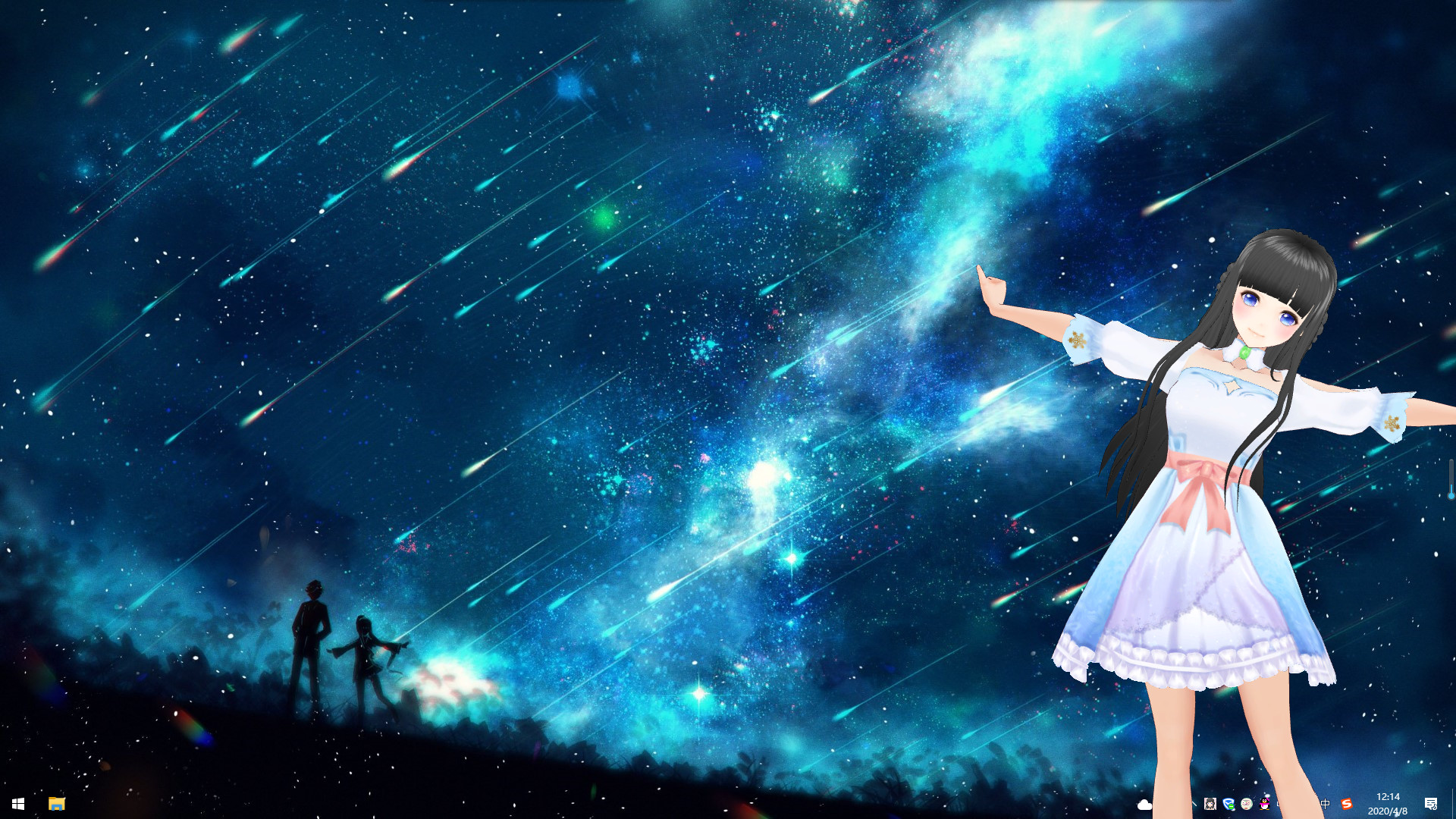
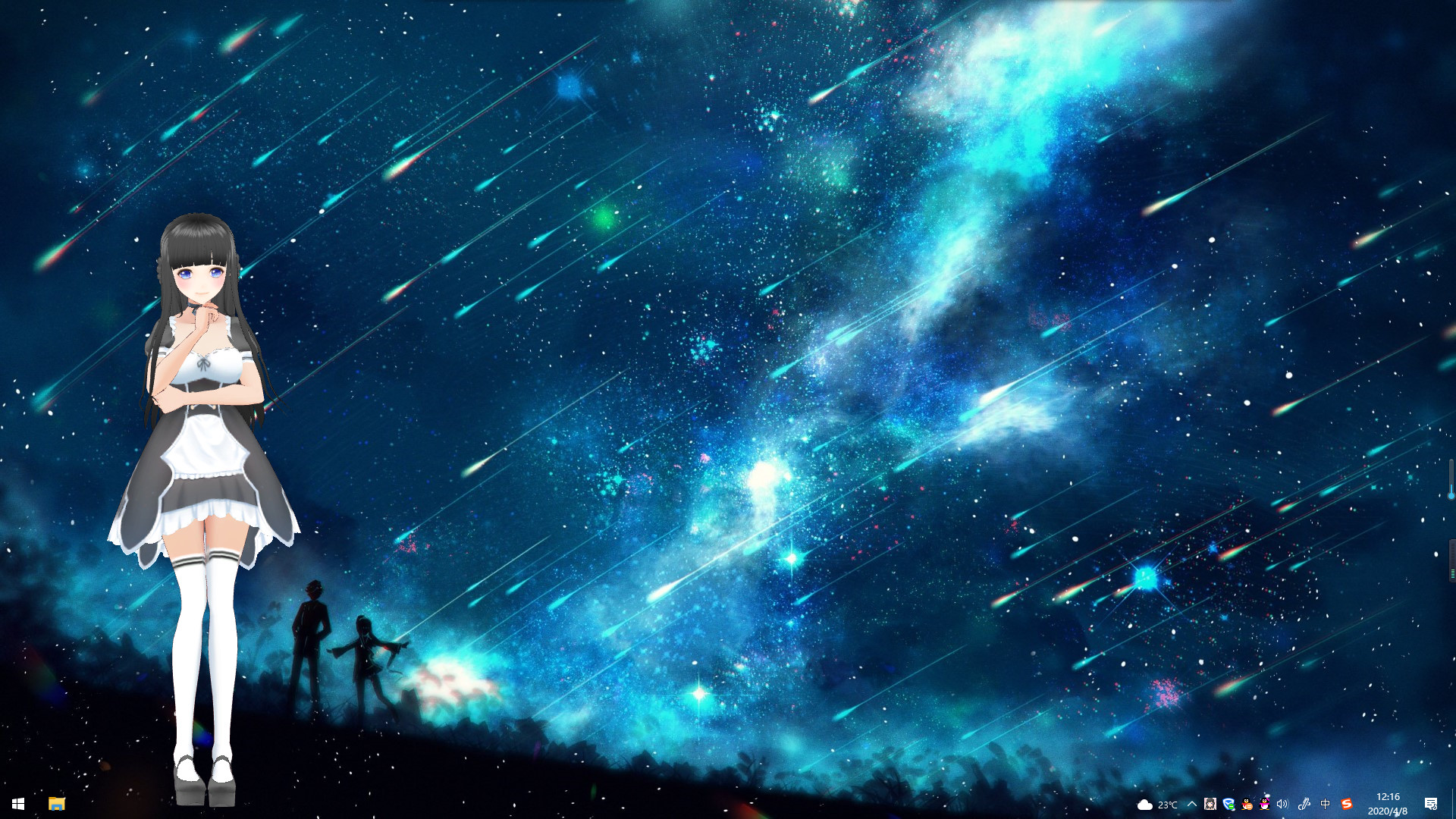
This is a desktop mascot that can be placed anywhere on your desktop to bring more fun to your desktop
Трейлер
Ближайшая распродажа: Осенняя распродажа Steam, 1 октября — 8 октября.
Проверено 03.10.2026. Сколько положить на Steam, чтобы купить, и во что обойдётся пополнение из России. Сколько стоит вся ваша библиотека по таким ценам — калькулятор аккаунта.
This is a desktop mascot, which can be placed anywhere on your desktop to bring more fun to your desktop.
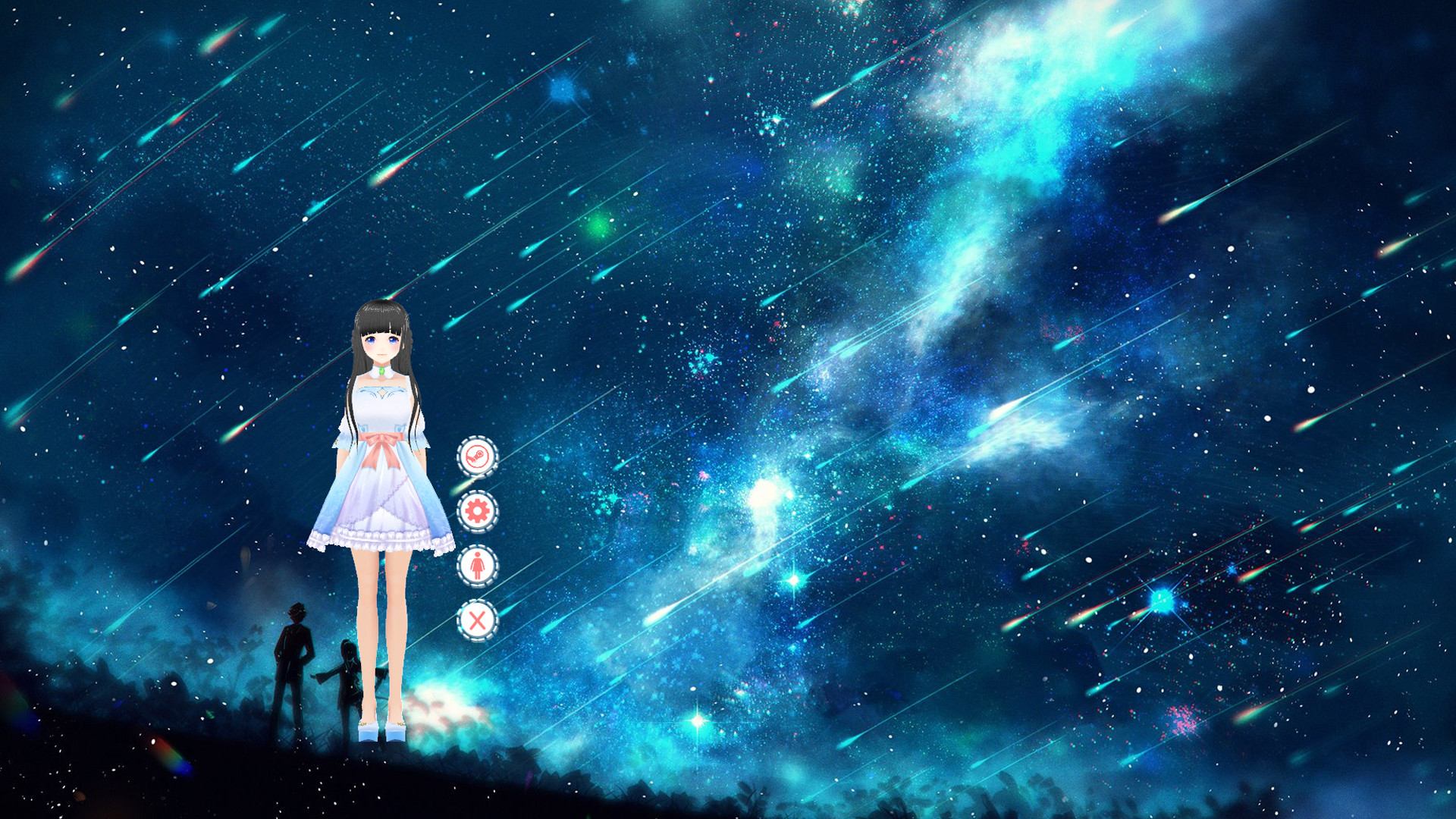
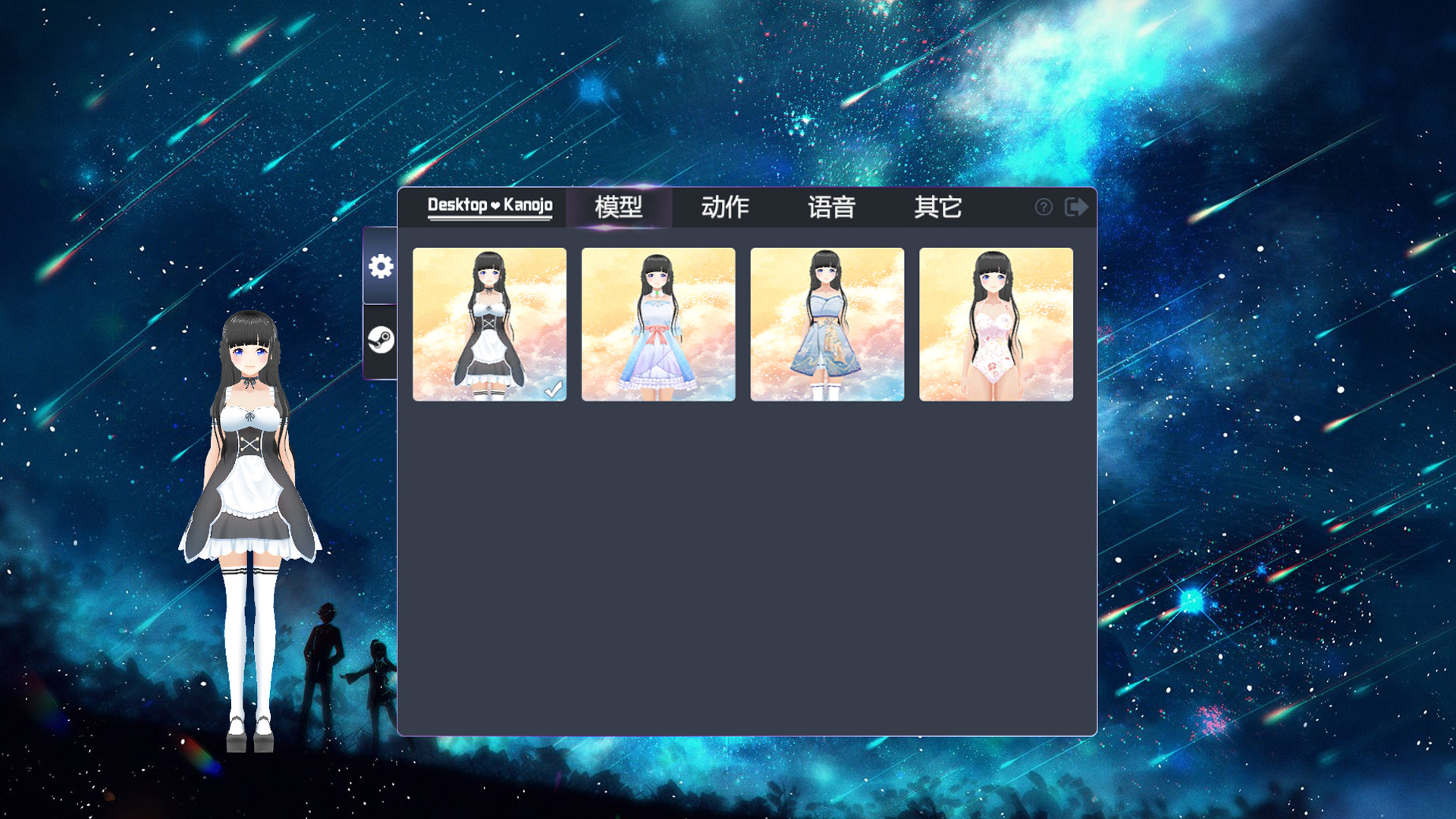
The character has multiple costume transformations and can use mouse click to interact with the character more.
Some parts of the character have physical effects and can simulate shaking when moving.
Characters can move, rotate and scale freely.
Players can also import local custom models to create new desktop partners of their own.
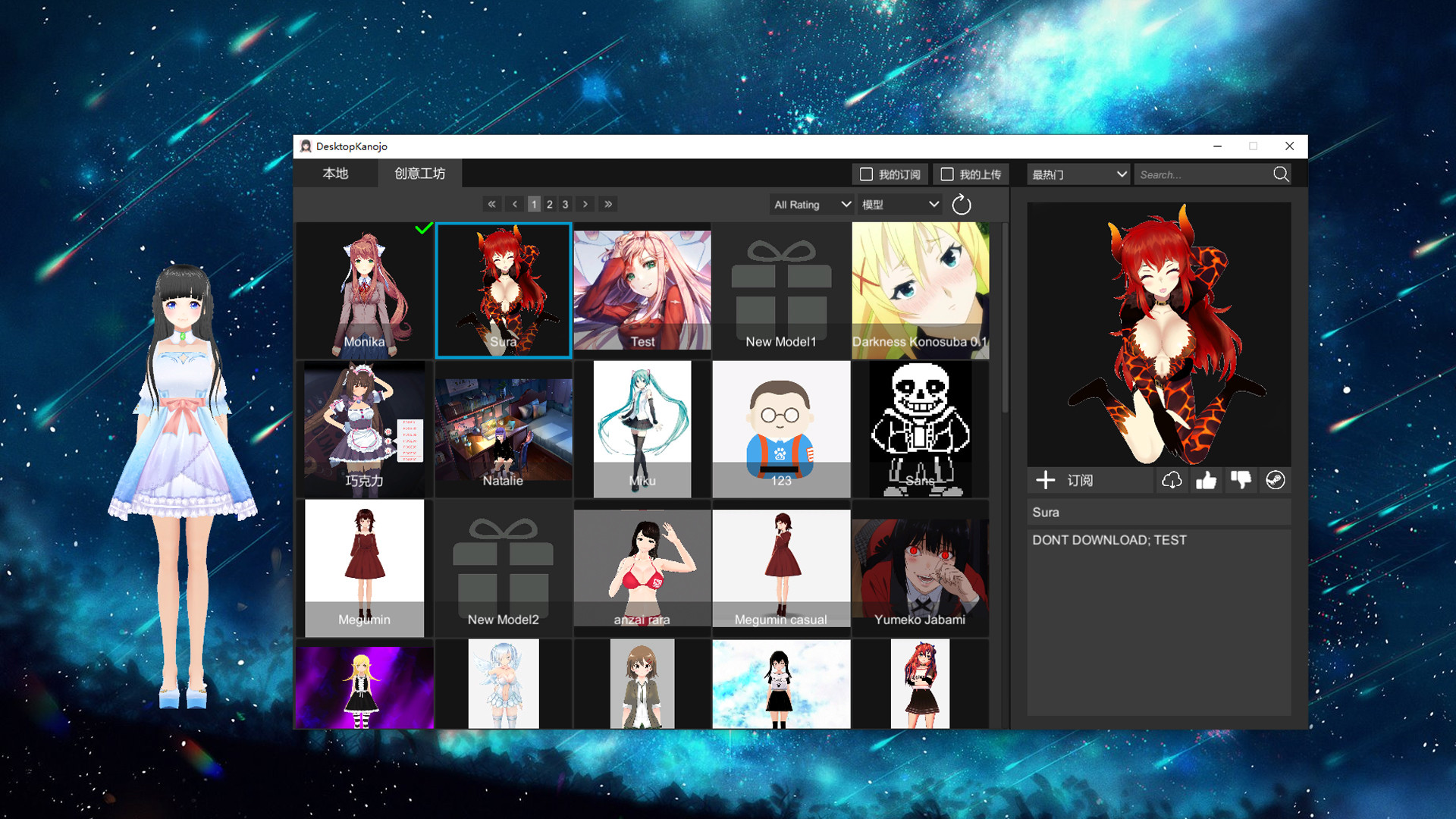
The game supports creative workshops. You can upload and share your favorite models, or subscribe and download others' models to generate your favorite desktop characters.
The black screen solution is as follows:
1. Please open the dvidia panel and select [manage 3D settings] on the left
2. In the right, the options of [multi frame sampling AA (MFAA)] and [smoothing fxaa] are changed to [off]
3. When the application is closed and the game is restarted, the black screen of the game can be solved.
Tips:
1. Double click the model to quickly stop the current action
Дополнений: 1 · Steam App ID 1284820
Всего 1 трейлер и 7 скриншотов — смотреть все.
DSIYSОбзоров: 5I finally figured out how to add a character I created locally. Now I'm looking for a way to post it.
 cotenckonТоваров на аккаунте: 1 129 · Обзор: 1 281
Хохо, ко но дио да
 Purple CubeТоваров на аккаунте: 352 · Обзоров: 19
Никому не советую брать, особенно за 125 рублей, пожалеете! Не повторяйте моих ошибок!!! Минусы : есть лаги и некоторые баги, 95% контента игры - пользовательские…
В российском Steam — 50 ₽ со скидкой 60%, проверено 03.10.2026.
Русского языка в списке Steam нет.
Минимальные: ос — Windows 7 / 8 / 10; процессор — Core i3+; оперативная память — 1 GB ОЗУ; видеокарта — Graphics card supporting DirectX 9.0c+; место на диске — 200 MB.